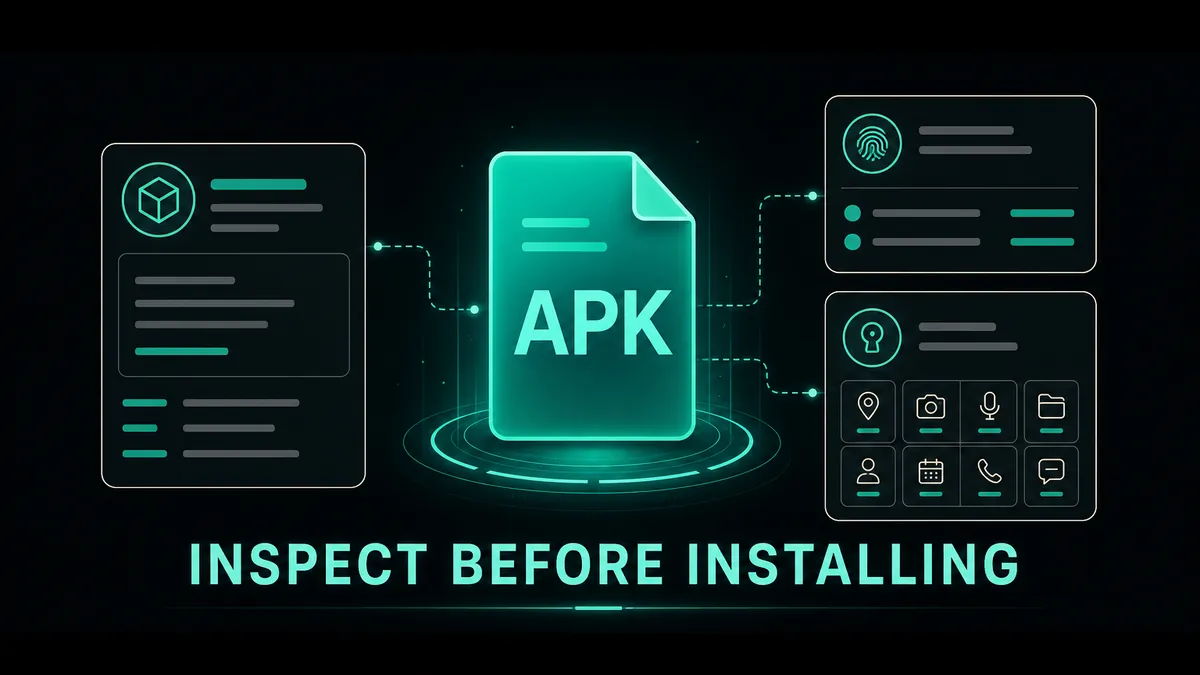
Check file type, package details, version, signature, and permissions before you decide to install.
Inspect an APK with Apkaura
Tools · Sideload browser · APK Inspector · Package, signature & permission details
If you download Android apps outside Google Play, one question matters more than anything else: what can I check before I install this APK? MOD APKs can be useful, but they carry more risk than official-store installs because the files have been modified and distributed through third-party channels.
No tool or website can promise that every APK is safe. This guide shows the practical signals you can inspect — file type, package name, version, signature, permissions, and source details — so you can make a more informed decision before you tap Install.
Five checks before installing any MOD APK
- Confirm whether the file is an APK or a bundle such as XAPK, APKS, or APKM that needs a different installer.
- Check that the package name and app version match the app you intended to download.
- Compare version and signature before replacing an existing app, especially if Android may treat it as a different publisher.
- Review permissions and stop if a request does not make sense for the app's purpose.
- Prefer sources with clear version notes and report paths; keep Android security features enabled and back up important data before replacing an install.
1
Why people download MOD APKs
▼
People usually look for MOD APKs because they want a different Android experience from the official version. Some users want premium features unlocked. Some want fewer ads, offline access, extra game resources, faster progression, or older app versions that work better on their device.
There is also a practical reason: not every app is available in every country, and not every Android device has the same access to Google Play. For users with older phones, regional restrictions, limited payment options, or unstable app updates, APK files can feel like the only usable path.
That demand is real, but it does not remove the risk. A modified app is not the same thing as the original app from the developer. It has been changed by someone else, which means users need to judge the source, the file, and the requested permissions before installing.
2
Are MOD APKs safe? The honest answer
▼
No responsible APK platform should tell users that every MOD APK is 100% safe. Modified Android apps live outside the official store review process, and the changes inside the file are not always visible to normal users.
The better question is: how much risk can be reduced before you install? Risk can be lowered when the source is consistent, the app page is detailed, versions are tracked, permissions make sense, suspicious files are reported quickly, and the community has a way to flag broken or unsafe builds.
This is the position MODDROID takes: MOD APKs have inherent risk, but users deserve better information, clearer download pages, and faster feedback loops so they can make informed decisions instead of blindly trusting a random file mirror.
3
Red flags before installing any APK
▼
Before installing any APK, pause if the download page feels confusing or intentionally vague. Unsafe pages often rely on urgency, fake buttons, copied descriptions, or file names that do not match the app.
Common warning signs include:
- No visible app version, update date, or changelog
- File names full of random numbers, unknown prefixes, or unrelated app names
- Multiple download buttons that lead to different domains or pop-ups
- Permission requests that do not match the app's purpose
- No screenshots, feature notes, comments, or support channel
- Claims like "100% safe forever" without explaining the review process
A good APK page should help you understand what you are downloading. If the page tries to hide basic information, that is a reason to leave.
4
Permissions matter more than most users think
▼
Android permissions are one of the simplest ways to spot suspicious behavior. A photo editor may need storage or media access. A navigation app may need location. A messaging app may need contacts or notifications. But a simple offline game asking for SMS, call logs, accessibility control, or device admin access should raise questions.
Some permissions are more sensitive than others. Accessibility services can control screen actions. Notification access can read message previews. Storage access can expose personal files. VPN permissions can route traffic. Account login can expose private data if the app is unsafe.
Before granting a permission, ask whether the app can reasonably work without it. If the answer is yes, deny it first and test the app with limited access.
5
Inspect the file before you install it
▼
Before installation, inspection can answer basic but important questions: what package is inside the file, which version it contains, whether its signature differs from an installed app, and which permissions it asks Android to grant.
Use those details to look for mismatches:
- A package name that does not match the app you expected
- A version that will conflict with or downgrade an installed app
- An unexpected signing change when you are trying to update an existing install
- Permissions that do not fit the app’s stated purpose
- A bundle format that needs a compatible installer instead of Android’s normal APK flow
Apkaura puts those file details in one inspection flow before installation. It helps you understand what to verify; it cannot prove that an APK is harmless or make the decision for you.
6
Safe install habits for Android users
▼
Careful APK installation is a habit, not a single check. Most avoidable problems become clearer when you slow down for one minute before tapping Install.
- Confirm the file format, package name, and version before opening the installer.
- Check Android compatibility and whether an existing app has the same package name.
- Back up important app data before replacing an installed app or changing its signing source.
- Install one APK at a time so you can identify the cause if something goes wrong.
- Grant only the permissions the app actually needs, and review sensitive requests again later.
- Avoid entering banking, payment, or sensitive personal accounts into modified apps.
- Uninstall and investigate if the app shows aggressive ads, unknown notifications, overheating, or unusual background activity.
If Android cannot read the package at all, use our APK Parsing Error guide. If installation starts but fails, compare the package, version, and signature with our App Not Installed guide.
7
What inspection cannot tell you
▼
Package, version, signature, and permission details are useful signals, not a safety certificate. A file can have a plausible name and still be unsuitable for your device or account.
Keep Android protections enabled, prefer sources that explain updates and provide a report path, and be especially cautious with apps that request accessibility, notification access, device administration, VPN control, or sensitive account credentials without a clear reason.
The goal is not to make every sideload decision risk-free. It is to replace blind installs with enough context to stop, compare, and choose the next step deliberately.
FAQ
Are MOD APKs safe to download?
No third-party APK platform can guarantee zero risk. Modified apps are riskier than official-store installs, but you can make a more informed decision by checking file type, package name, version, signature, permissions, and source signals before installing.
What should I check in an APK before installing it?
Confirm the file type matches the install method, then compare the package name, version, signature, requested permissions, Android compatibility, and source details. Treat mismatched names, unexpected sensitive permissions, and unclear files as reasons to stop and investigate.
Can a package name or signature check prove an APK is safe?
No. Those checks can reveal a wrong app, an update conflict, or an unexpected signing change, but they do not prove that a file is harmless. Use them together with source, permission, and behavior checks.
Can MOD APKs contain malware or unwanted behavior?
Yes. Unsafe APK files can contain malware, adware, data-stealing code, or unwanted background behavior. Avoid unknown mirrors, review permissions, keep Android security features enabled, and stop using an app that behaves unexpectedly.
What if Android cannot install or parse the APK?
If Android cannot read the package, check file format, corruption, and bundle compatibility. If installation starts but fails, compare package name, version, signature, Android version, CPU architecture, and installed-app conflicts.
Ready to inspect the next APK before you install?
Get Apkaura on MODDROID
Review file type, package details, version, signature, and requested permissions before installation.